




Search Results...
Browse our current selection of available ex-MOD, ex-Army and specialist surplus stock. Search for any item to view full details or add it to your quote request.
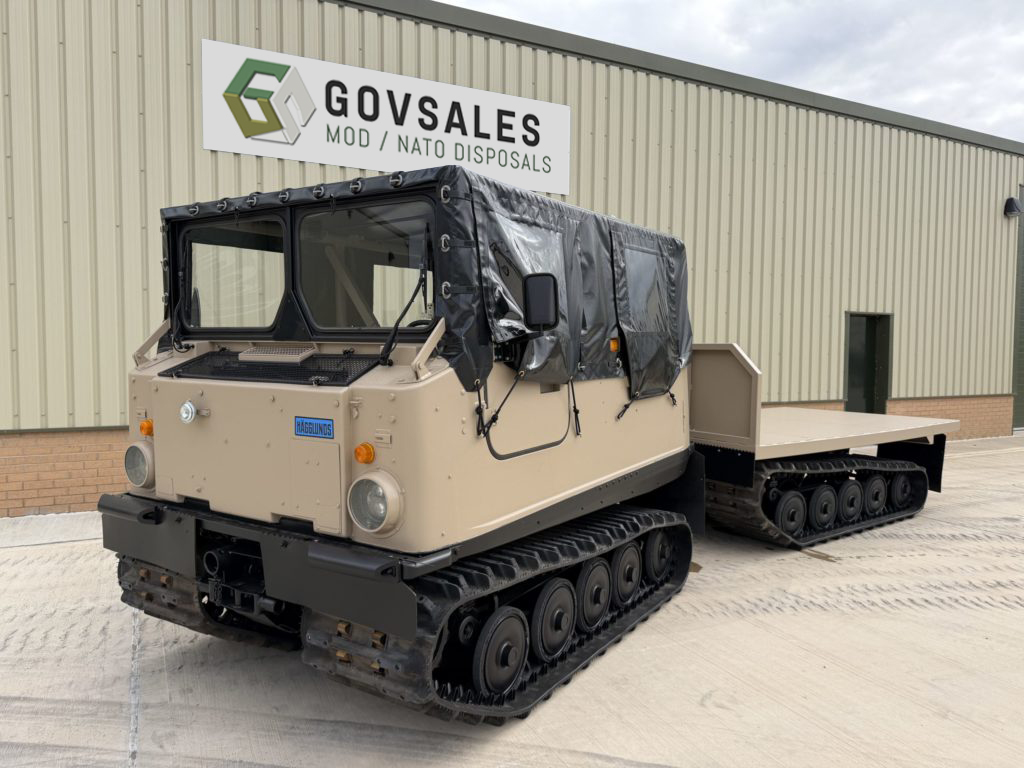
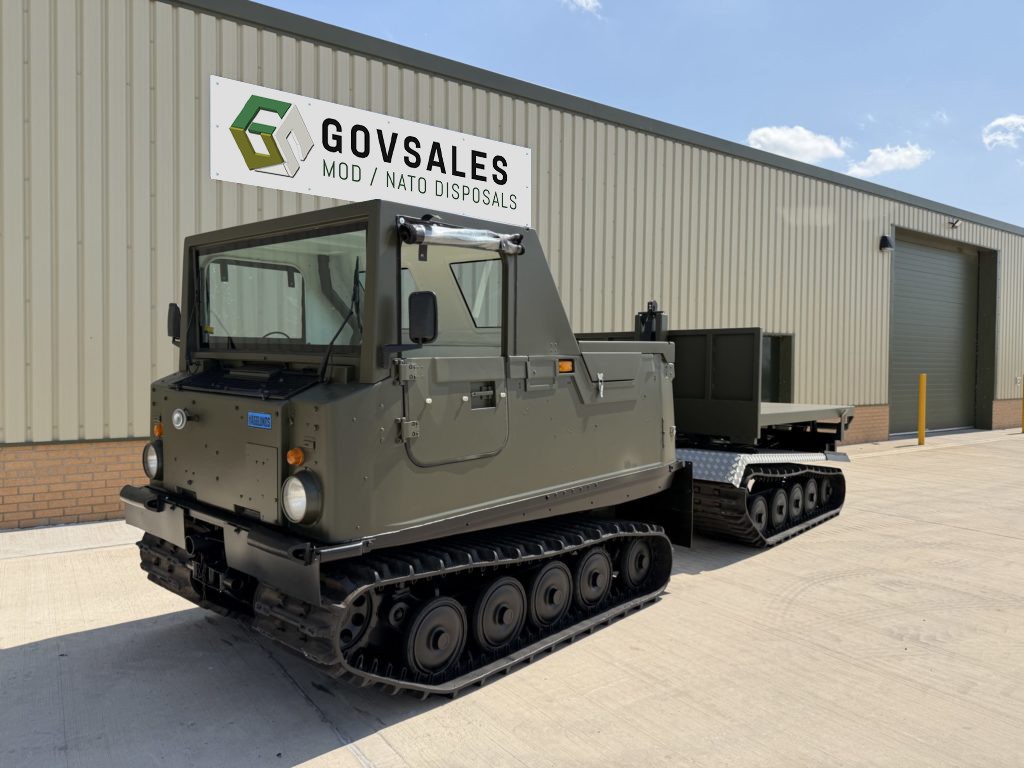
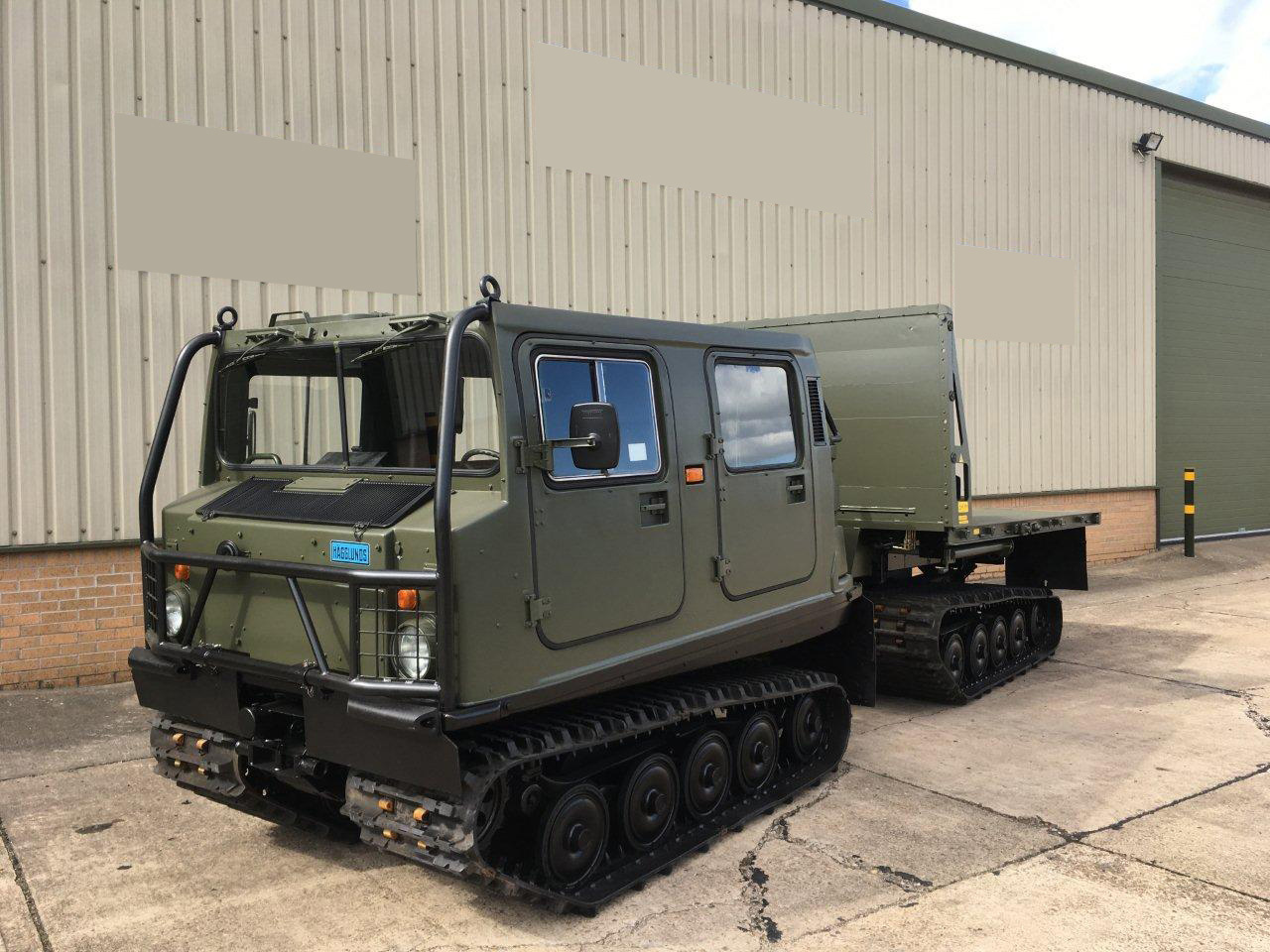
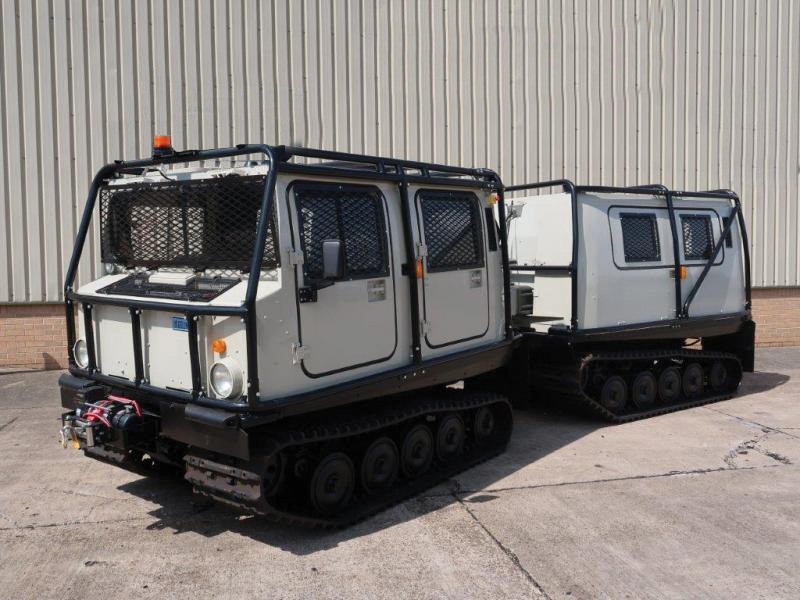
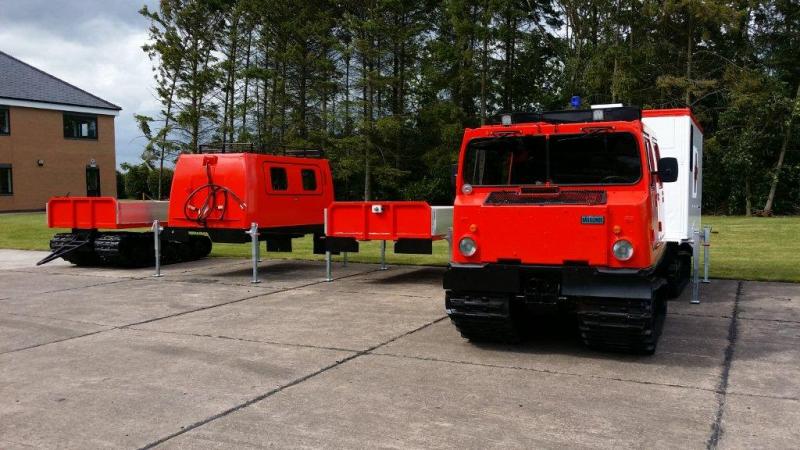
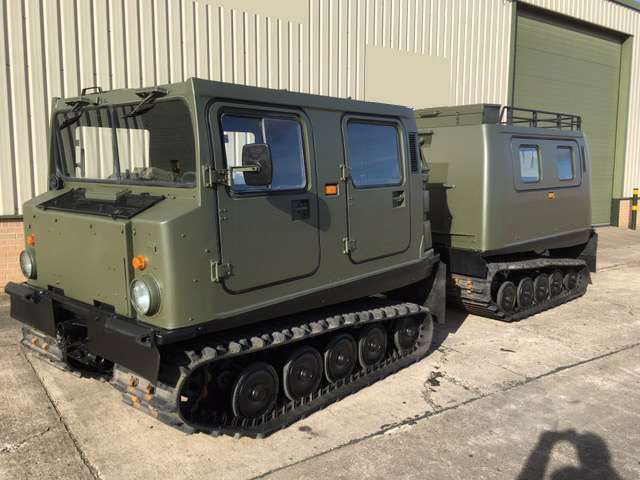
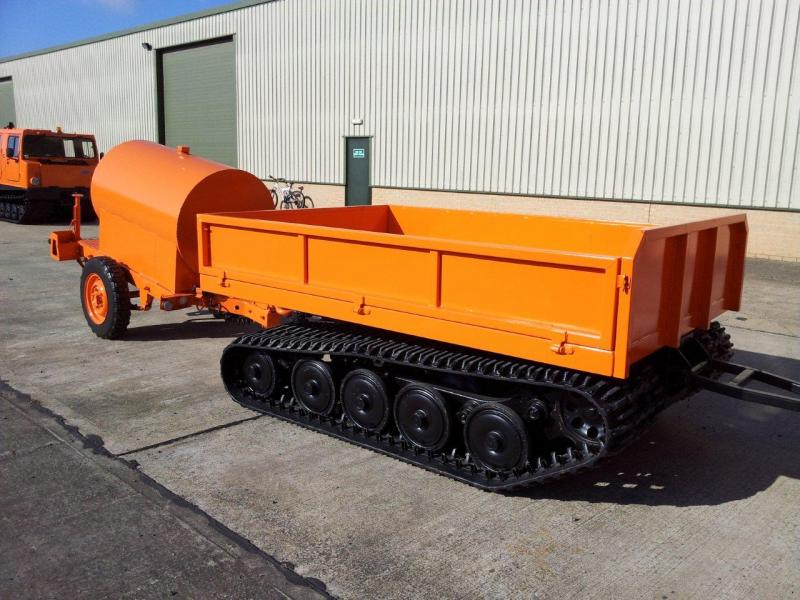
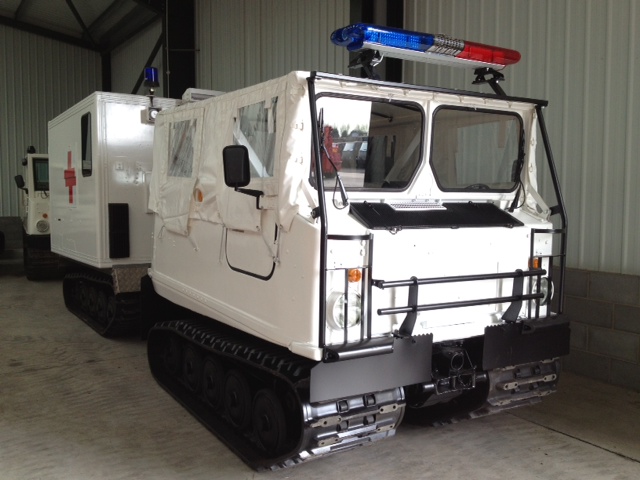
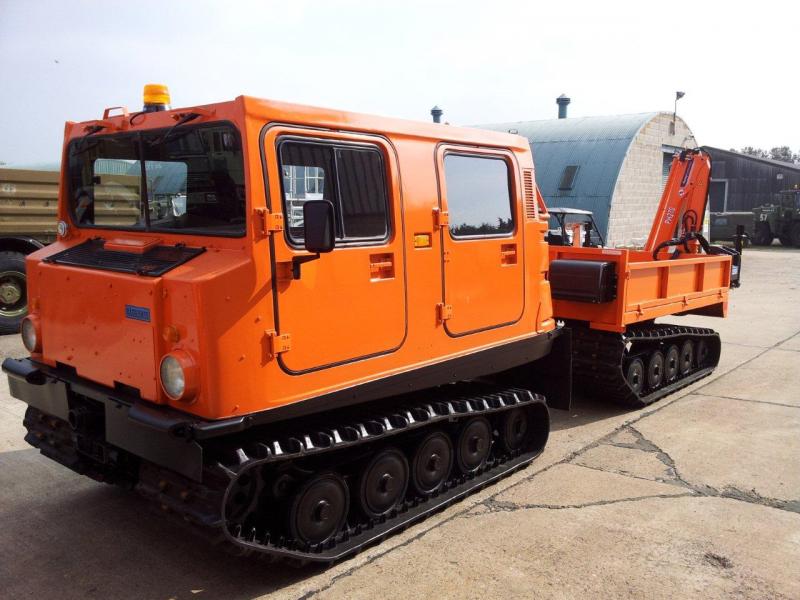
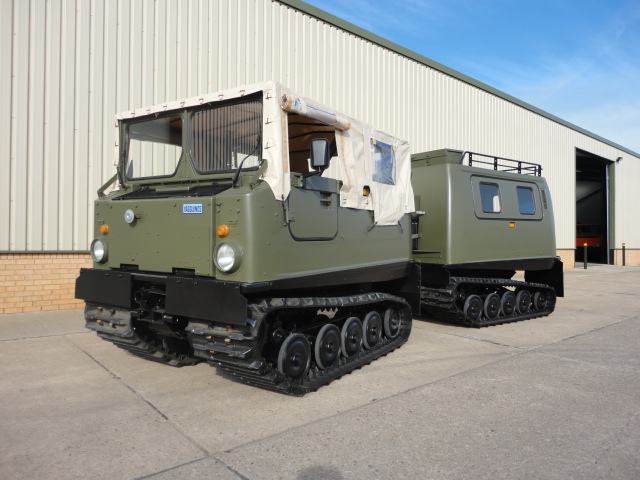
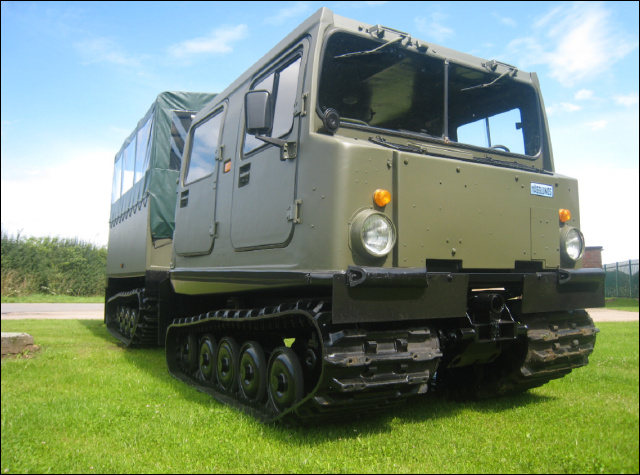
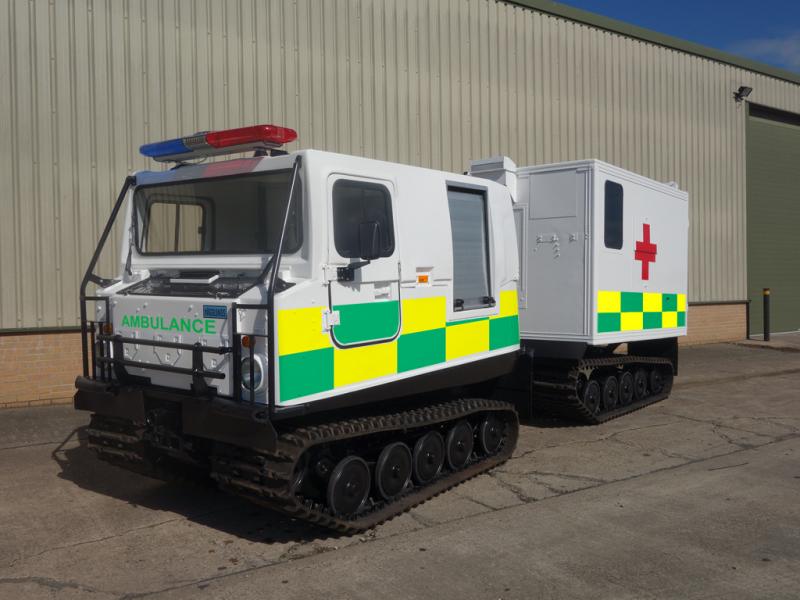
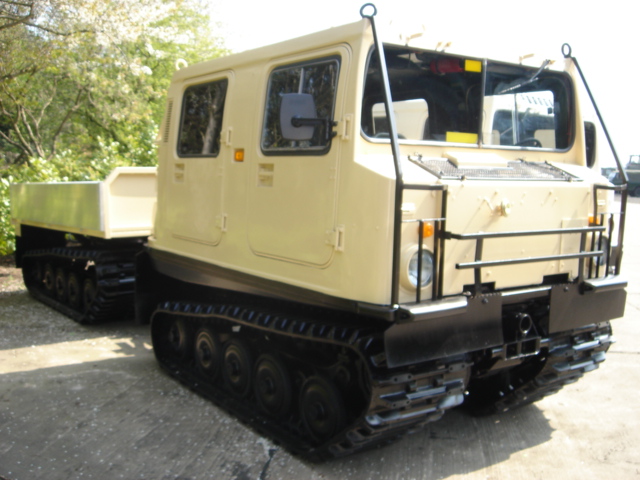
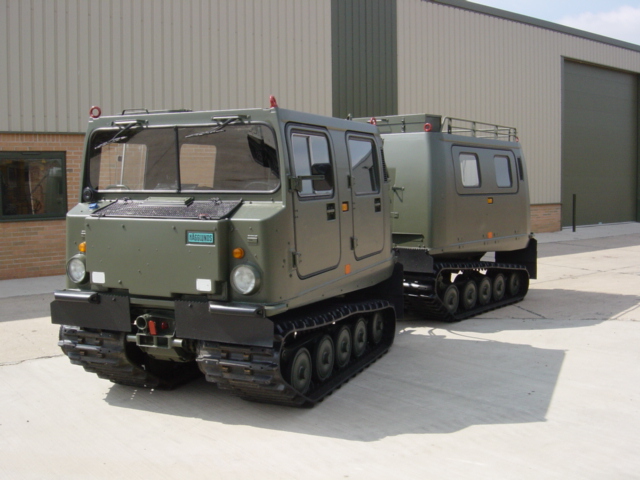
You searched: "Hagglund"
( 23 items found SCROLL DOWN TO VIEW )
Build your enquiry: select one or more items using the Add to quote button on each vehicle or item.
Your selections remain available while you browse different searches and categories.
Search by item reference, part number, manufacturer or description. Results will appear as you type.
Click a matching item as it appears in the search suggestions, or press Search / Return to display all matching stock.









How to use our stock catalogue
- We have augmented our site with helpful audio assistance using the icons provided.
-
Use the
 icon to play the audio help files.
The
 stops the audio.
Add to quote
- Click the Add to quote button to add an item to your list of items you want a quote for. The item will be highlighted and - ADDED will be displayed.
- You can change pages within the site and even close the browser. Our site will remember your selection as long as you do not clear the cache.
- You can remove an item at any time by pressing the Add to quote button again or selecting the View Selected Items button.
Back Button
- This button will take you to the previous page viewed.
Send Request Button
- This button will open your default mail software such as Outlook or Gmail. We do not ask for, or store, personal information via our website.
- It will populate the subject and body of the email with the items you have selected.
- After the email opens, all you have to do is press SEND.
View Selected Items Button
- This button will show the number of items selected on any given page where it is shown.
- Pressing the button will open or close a drop-down list of items you currently have selected.
- You can delete one or more items by clicking the red waste-bin icon next to each item.
Clear Button
- This button will clear all the current items selected for a quote.
Search
- Visitors can search by entering the item reference number or the description of the item being sought.
- As you type, our site will start looking for matches and display them in a drop-down menu.
- Visitors can click on an item as it drops down, press Search, or press the RETURN key to display all items matching the search criteria.
- Useful hint: If you search for MOD, it will bring up every item of stock on one scrollable page. DO NOT attempt to select everything. There is a maximum of 25 items allowed on any given search.
- If you cannot find what you are looking for, please call us on +44 (0)1302-954007 and ask one of our staff who will be happy to help you.